🌟 A simplified email experience

Everything You Need for a Unified Email Workflow

Simplify, secure, and optimize your email workflow with seamless integration and powerful features—all in one place.

Explore all features
Cypht
Messaging

Unified email experience for all your accounts in one place.

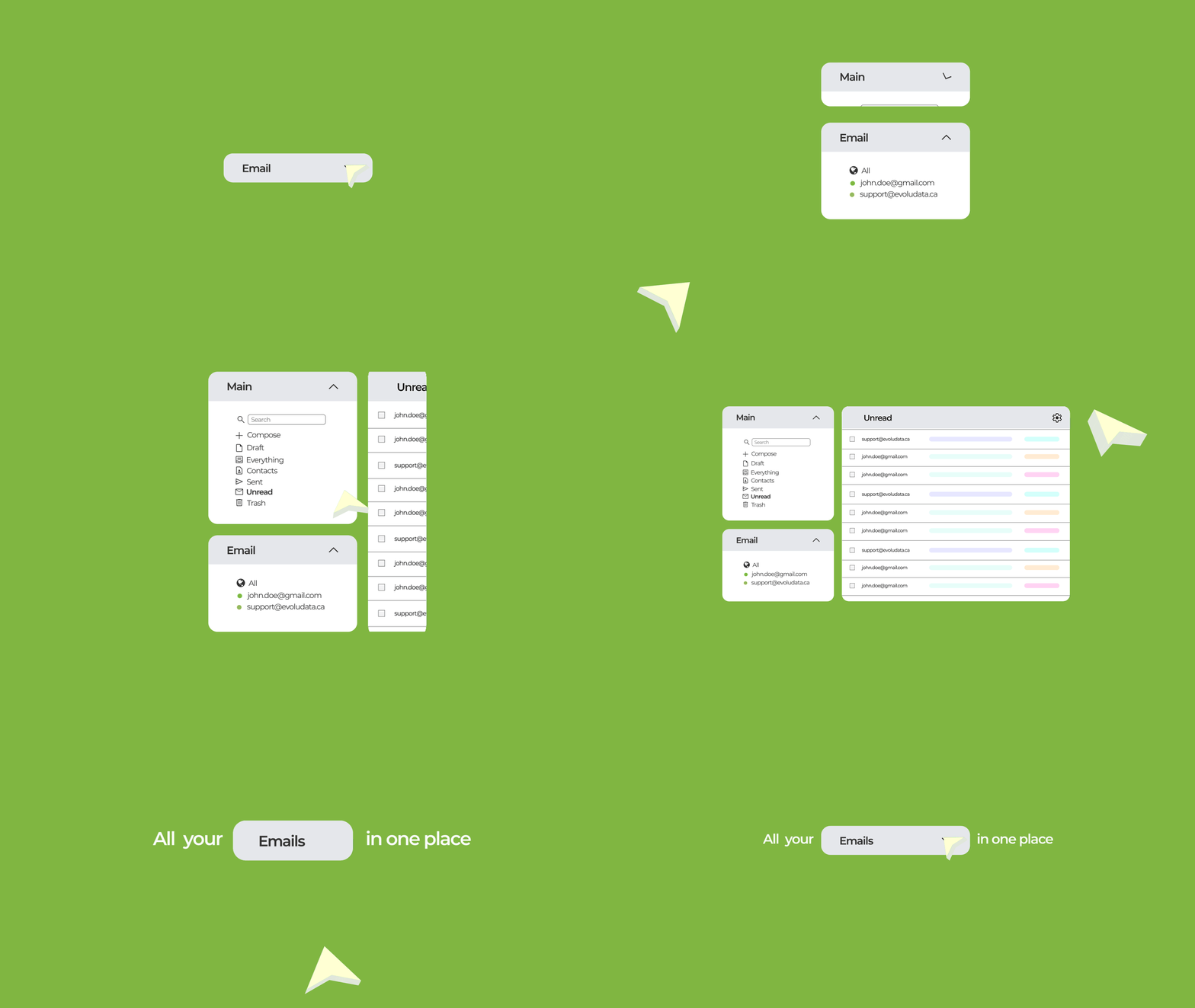
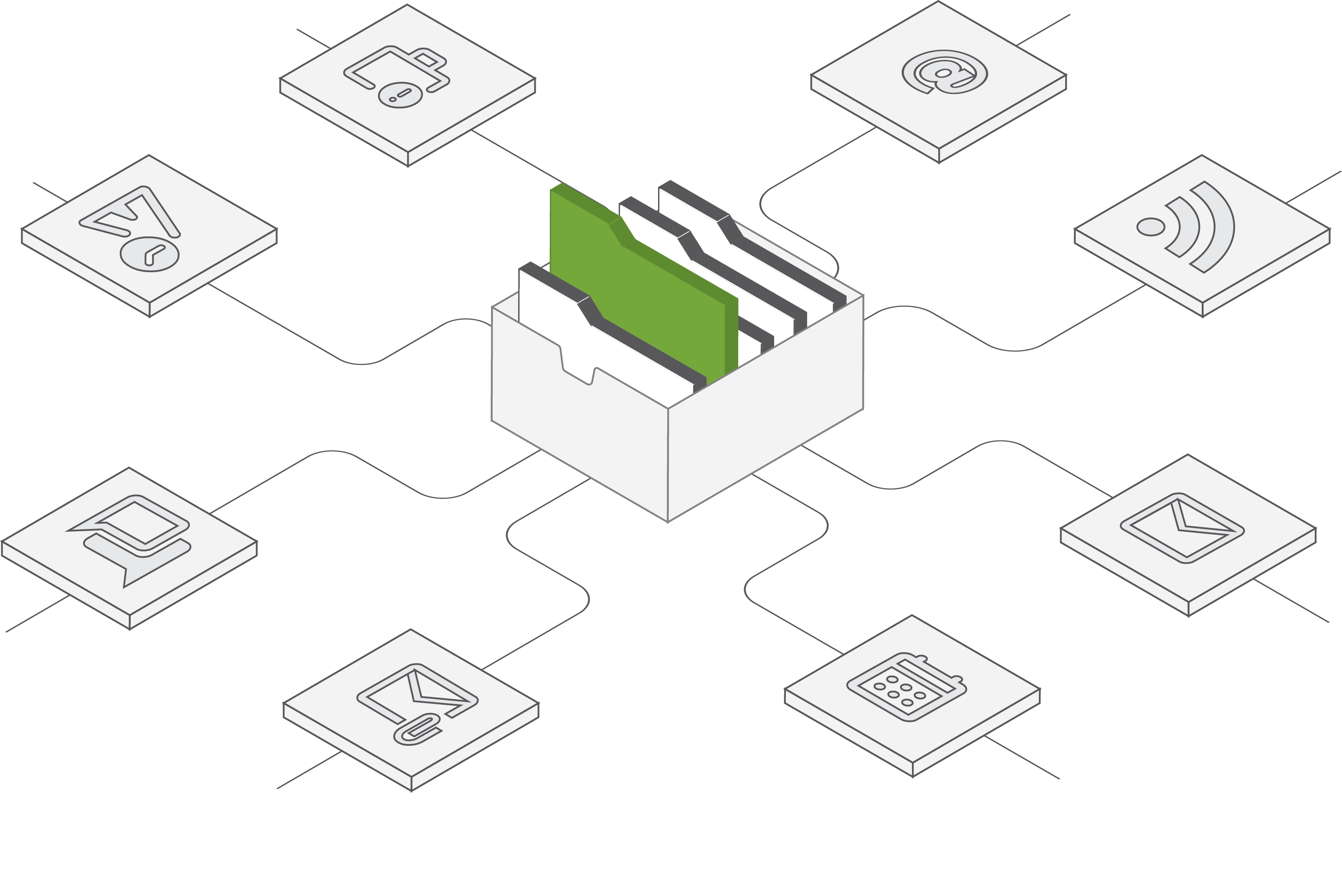
Unified Inbox Combined inbox, unread, sent, and flagged message views for all your E-mail accounts (and RSS feeds), as well as standard E-mail client folder navigation
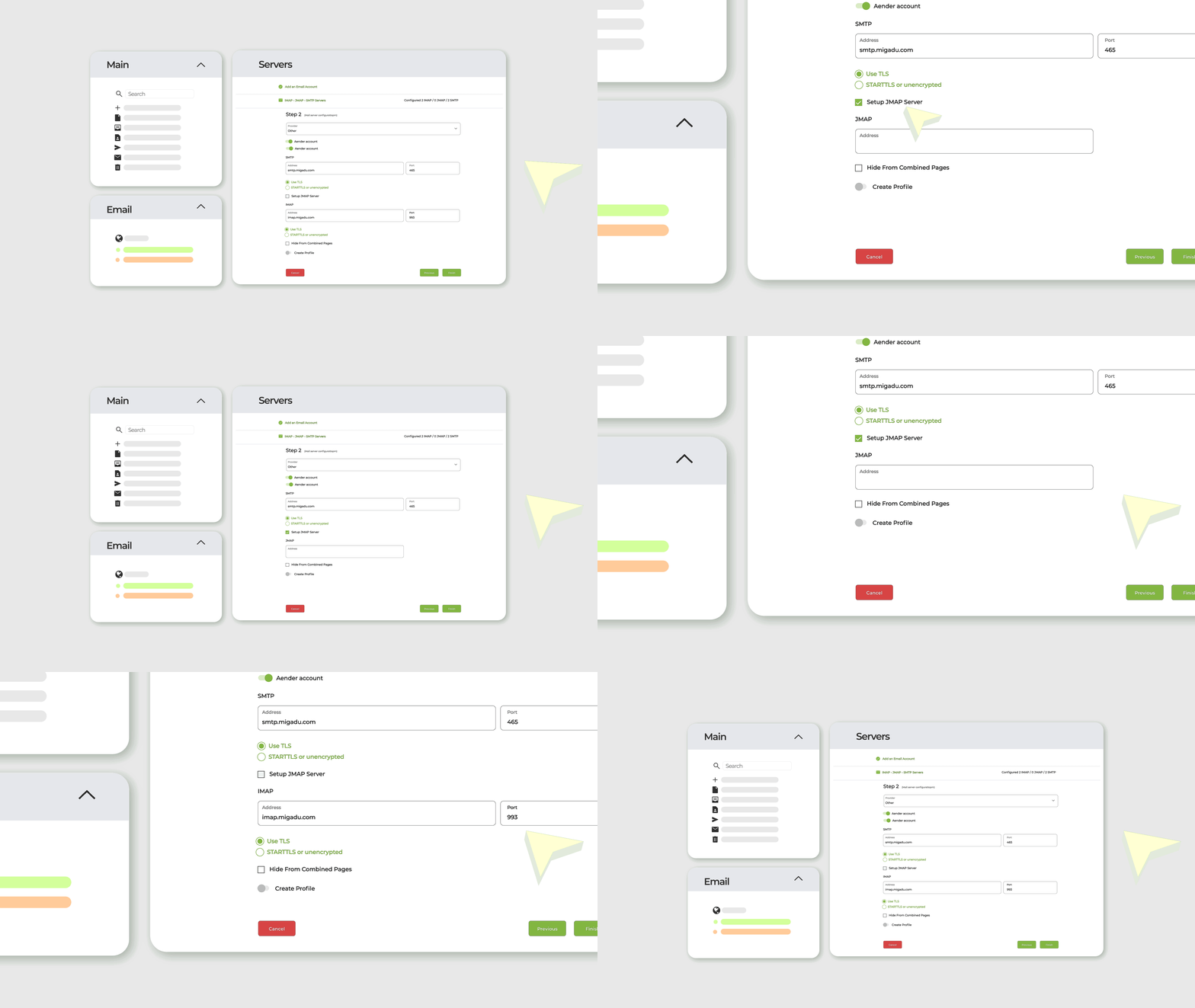
Flexible Profiles Flexible profiles to combine IMAP accounts with SMTP accounts and setup signatures and reply-to details.
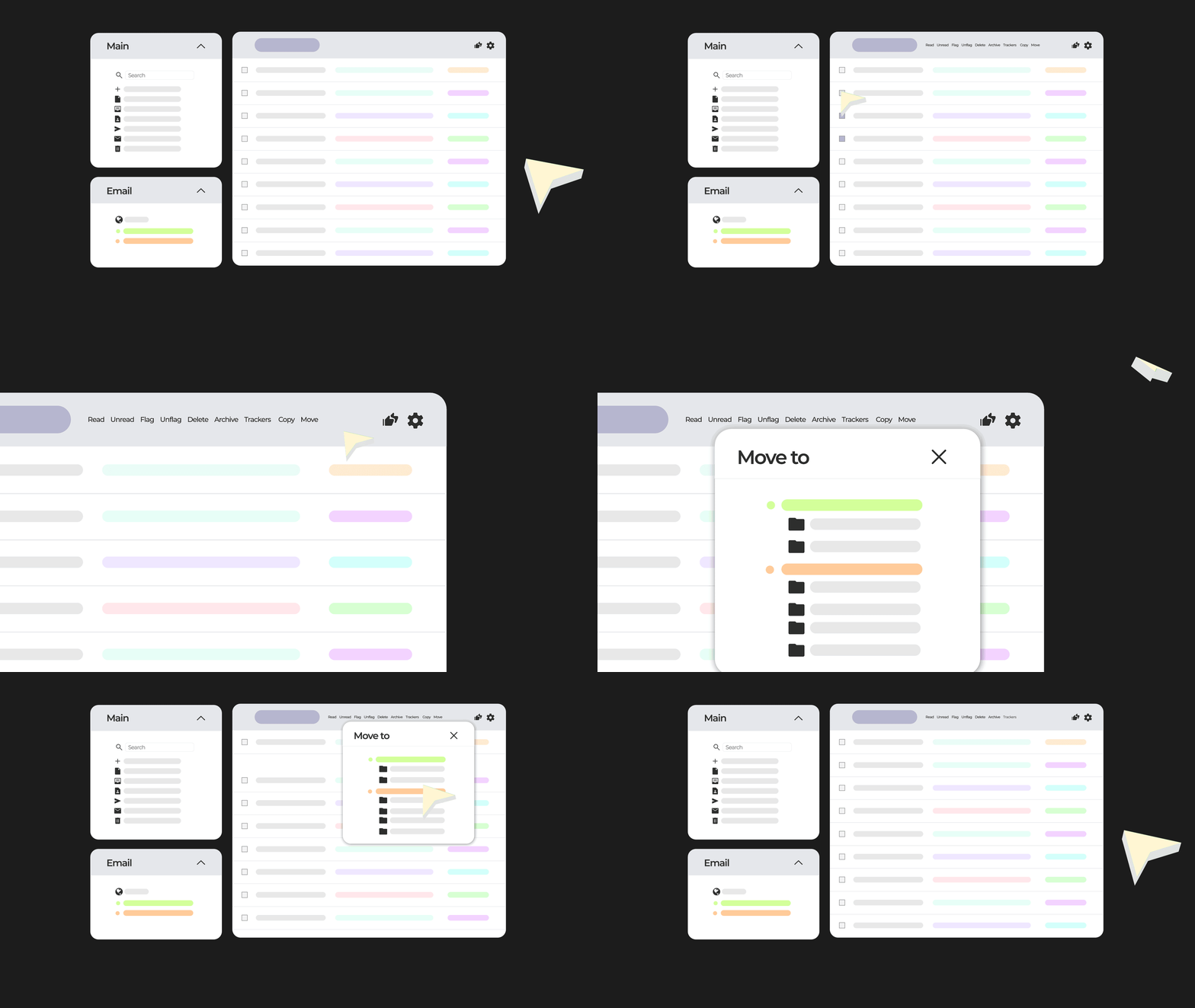
Move & Copy Easily move or copy emails between different accounts and folders for better organization.
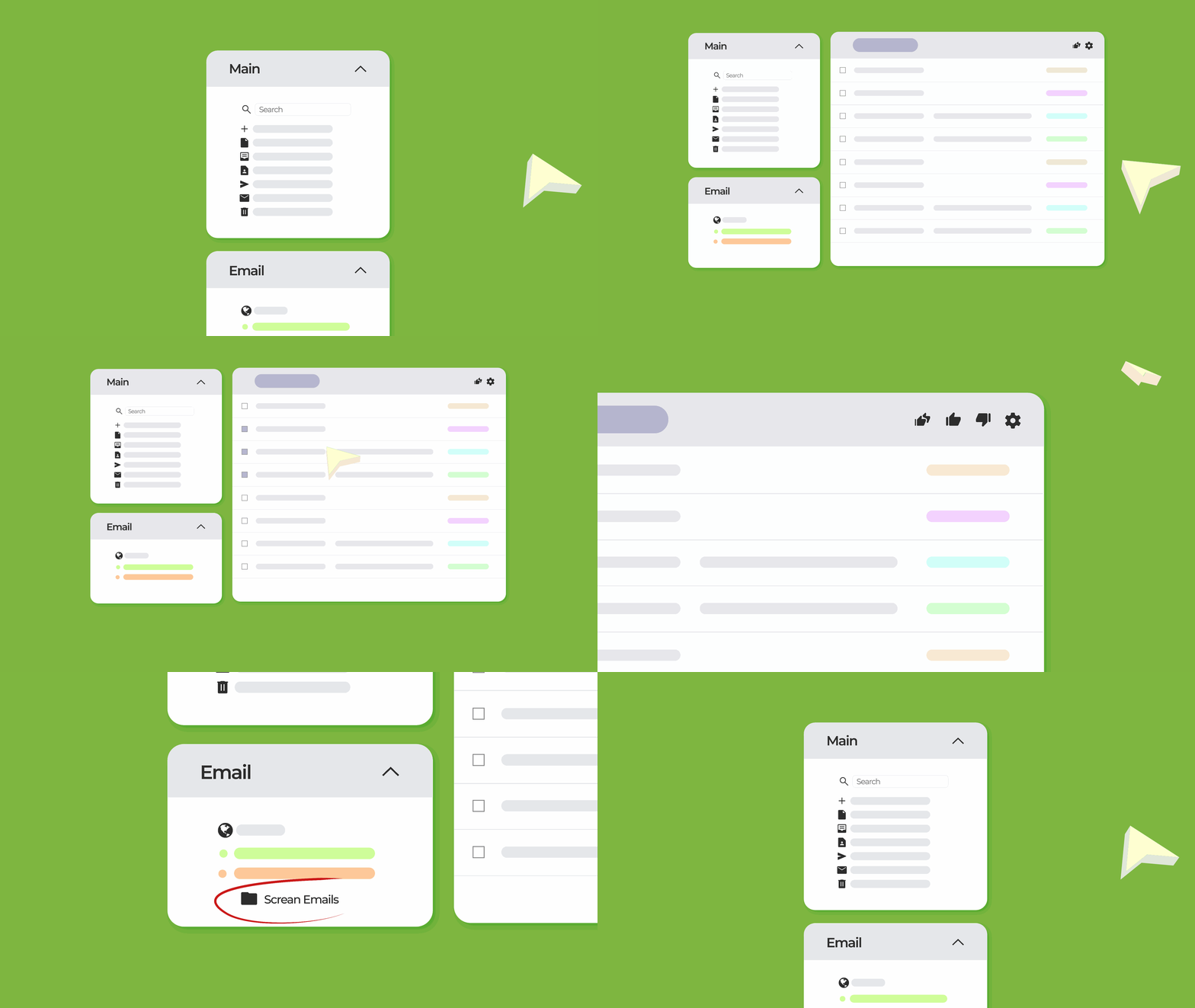
Screen Emails Mark emails as favorites and automatically group them into folders for quick access and better organization.
Tags & Labels Organize and categorize emails with tags and labels for better management and quick access to relevant content.
Smart Filters Automatically organize emails with Sieve filters that move, copy, or delete messages based on sender, subject, keywords, or recipient.
IMAP Folder Sharing Subscribe to and manage IMAP folders, enabling collaboration by sharing folders with other accounts for team email management.
Performance

Get more done with faster, lighter, and more efficient email management

Caching Mechanisms Cypht caches your folder layout and message lists in your active session, turning what are normally repeated server waits into instant client-side retrievals.
Lightweight Pages
Basic & AJAX Page
Basic pages, served as direct HTML, load quickly on any device or browser with minimal client-side processing, making them ideal for slower connections or one-time access. In contrast, AJAX pages load the interface once and then fetch only new data asynchronously, eliminating full page reloads.
Lightweight Pages
Multi-protocol Support
Cypht provides a seamless, unified inbox by natively integrating the core protocols of modern email. It efficiently connects to IMAP, EWS, and JMAP servers for reading mail, and uses SMTP for sending, all through a single, consistent interface.
Lightweight Pages
Configurable Keyboard Navigation The keyboard_shortcuts module transforms Cypht into a power-user environment by enabling fully configurable keyboard shortcuts for all core actions.
Cypht feat
Development

Cypht does not replace your existing accounts - it combines them into one

EWS Support Easily move or copy emails between different accounts and folders for better organization. check out the progress Here
Cypht feat
Modules
IMAP, SMTP, LDAP, WordPress, GitHub and more modules available Show more
Lightweight Pages
Build Process Pre-calculated assets, developer mode for easy debugging.
Lightweight Pages
Security

Cypht does not replace your existing accounts - it combines them into one

Advanced Encryption Easily move or copy emails between different accounts and folders for better organization.
Cypht feat
Flexible Authentication Easily move or copy emails between different accounts and folders for better organization.
Secure Storage Easily move or copy emails between different accounts and folders for better organization.
Cypht feat
Our identity

Explore the key features and capabilities that set Cypht apart from other email solutions

  • Unlimited accounts
  • Unified inbox
  • RSS feeds
  • Cross-account search
  • Single interface
  • Fast sync
  • Low bandwidth
  • Real-time updates
  • Large mailboxes
  • Modern protocol
  • Mark favorites
  • Auto-grouping
  • Quick access
  • Smart organization
  • Easy workflow
  • Move emails
  • Copy emails
  • Cross-account
  • Flexible organization
  • Unified workflow